Reviews
Tap the Button Reflex Arcade delivers exactly what it promises: a pure, fast-paced button-clicking challenge. The increasing difficulty keeps you engaged, and the instant restart option makes it easy to keep trying. It is ideal for casual gamers looking to sharpen their reflexes without complex rules. The clean design and sound controls add to the enjoyable experience.
Description
Game Introduction
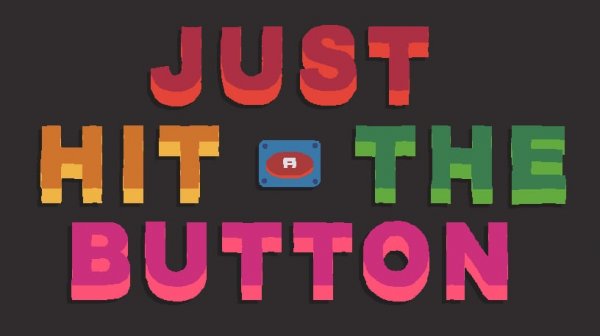
Tap the Button Reflex Arcade is a straightforward arcade game that challenges players to press buttons as they appear on the screen. The core objective is simple: react quickly and accurately to each button prompt. While the concept is easy to understand, the game introduces unique twists in each level that test speed and precision. Developed by Retryables, it is designed for quick gaming sessions and is accessible to players of all ages. The game proves that simplicity can be engaging, offering endless fun for those looking to improve their reflexes or pass the time. The increasing speed and complexity of button patterns keep the experience fresh and challenging.
How to Play
Playing Tap the Button Reflex Arcade is intuitive. Players use their mouse to click on buttons that appear on the screen. Each successful click earns points and advances the player to the next level. The game includes a quick restart option: pressing the R key on the keyboard resets the current level. To control sound, pressing the M key toggles music and sound effects on or off. The game is designed so that no tutorials are needed—players can jump right in. The challenge comes from the increasing speed and complexity of button patterns as levels progress.
Game Features
Tap the Button Reflex Arcade features simple one-click gameplay that is easy to learn but hard to master. The game includes increasing difficulty levels that progressively test the player's speed and accuracy. A quick restart option allows players to retry a level instantly without losing momentum. Sound control is available, letting players mute or unmute music and sound effects as preferred. These features make the game suitable for both casual play and focused practice sessions.
Tips for Success
To excel in Tap the Button Reflex Arcade, practice regularly to improve reaction time. Focus on maintaining a steady rhythm rather than rushing, as accuracy is as important as speed. Use the restart option to repeat challenging levels and learn the patterns. Keep an eye on the entire screen to anticipate where the next button might appear. Finally, adjust the sound settings to your preference—some players find that music helps concentration, while others prefer silence for better focus.